TL;DR: Cropping after the fact breaks on-brand packs. Put format in the SnapDraft CSV so each row generates for feed, story, or banner correctly.
Cropping after the fact is where on-brand batches quietly die. Faces get clipped. Logos slide off. Story frames look like afterthoughts.
Put format in the brief
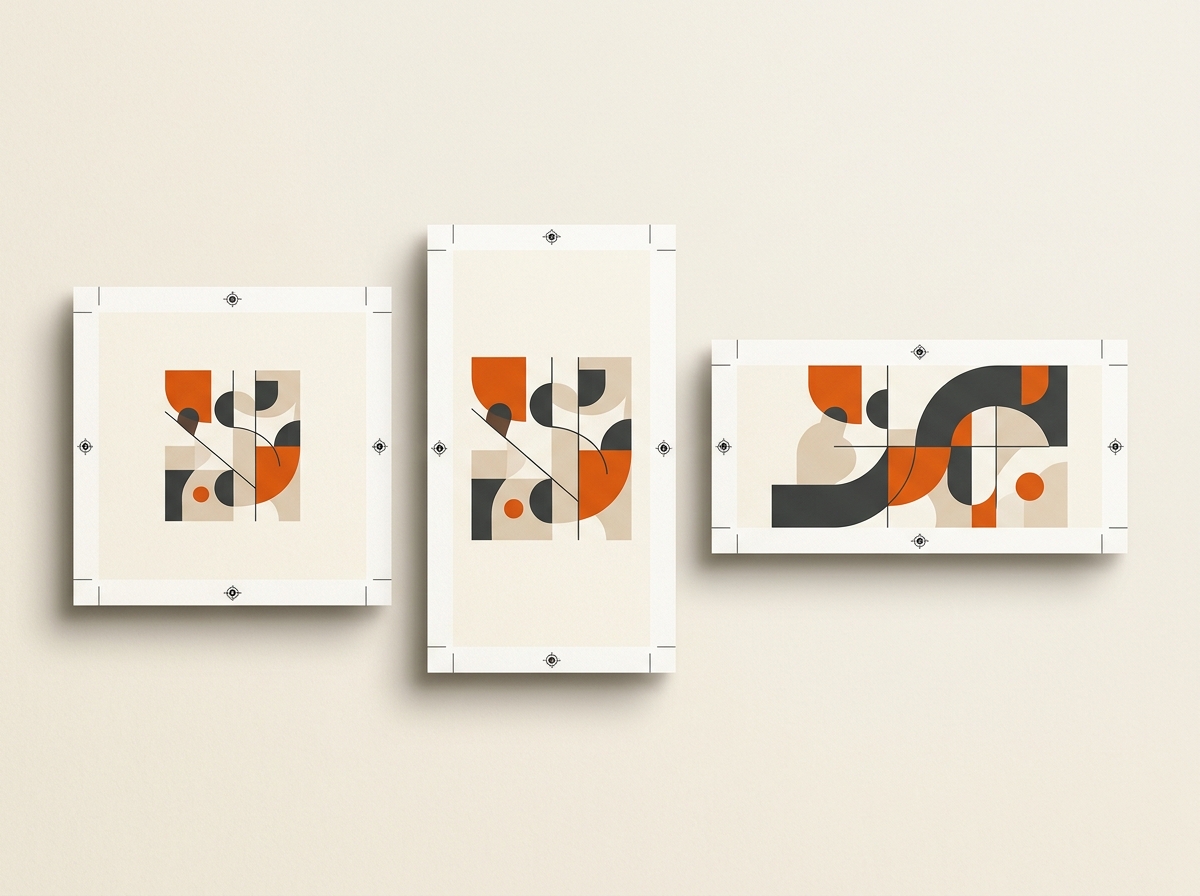
Treat aspect ratio as a first-class column next to title and description. Each row declares whether it is feed, story, or banner before generation.
That is the core of the multi-format export workflow template.
Why native generation beats resize
Resizing a square into a story is not the same as generating for portrait composition. Brand DNA still applies, but framing decisions change with the canvas. Generate for the format you will actually publish.
Delivery hygiene
When you download:
- Keep naming consistent with the sheet (row id or date + title)
- Group by format if your scheduler wants separate folders
- Spot-check a sample of each ratio in Canvas if framing feels tight
Who feels this pain most
Social managers scheduling mixed grids and story series. See SnapDraft for social media managers. Agencies handing packs to clients who post across placements the same week also hit this hard.
Cluster hubs: templates/multi-format-export · glossary/csv-batch-generation · use-cases/content-calendar-to-visuals
Keep building the workflow: Features · Use cases · Templates · Alternatives · Pricing