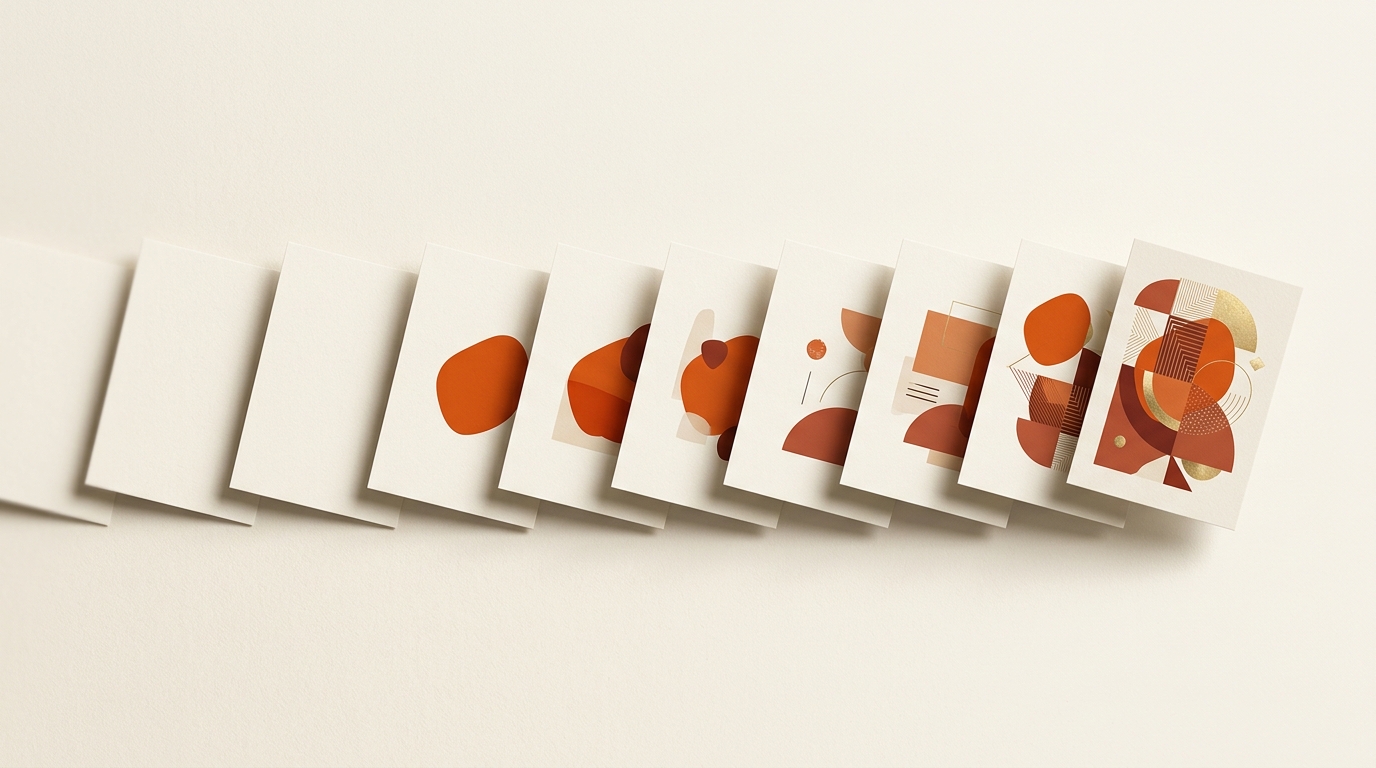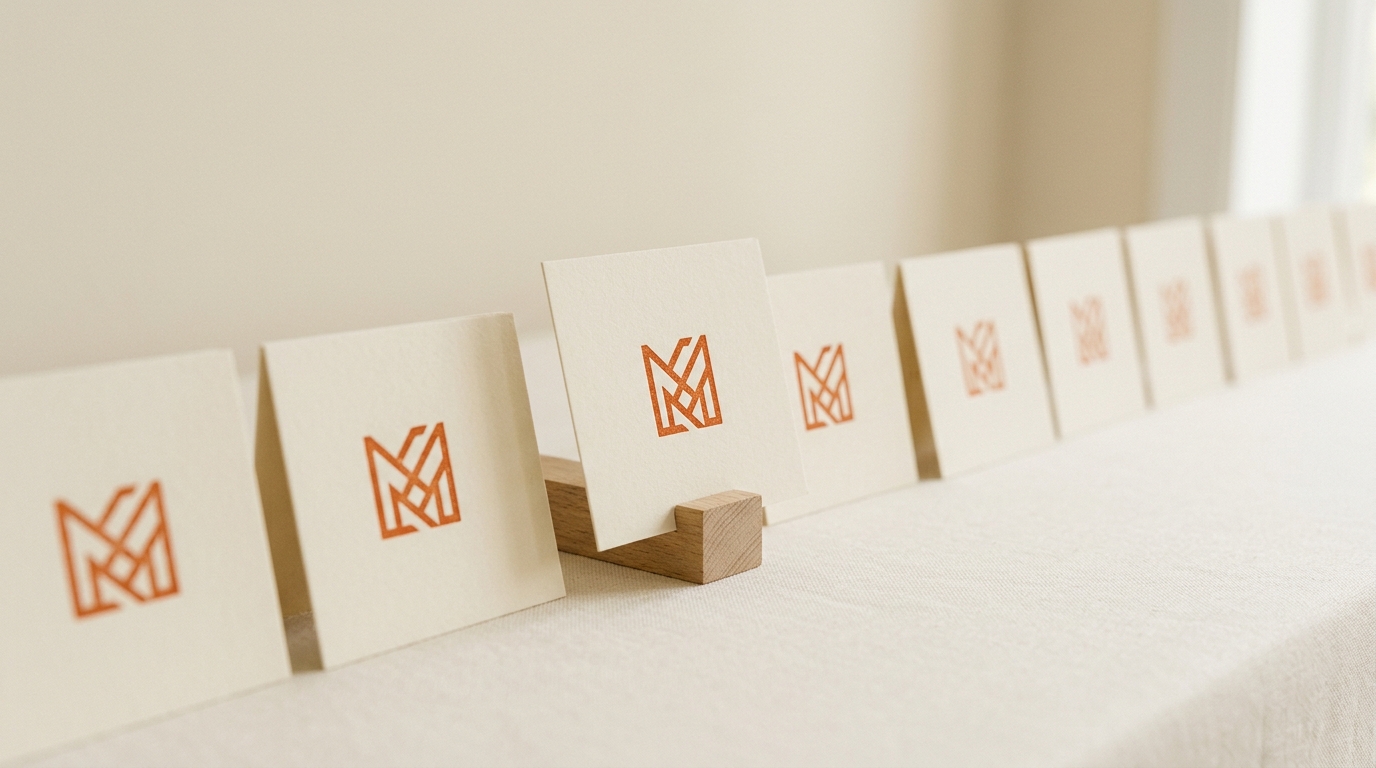
TL;DR: Brand DNA in SnapDraft only works as well as the references you feed it. Use 5-10 approved posts that show the steady-state brand look. Skip experiments, competitor moodboards, and one-off campaign neon.
Brand DNA only works as well as the references you feed it. Random screenshots produce random constraints. A tight set of approved assets produces a profile your calendar can trust.
What good references mean
Aim for 5-10 images that already represent how the brand should look in the channel you publish:
- Recent posts that leadership or the client still likes
- Campaign stills that match current palette and lighting
- Guideline exports when they show real layout habits. Not just a logo on white.
Skip moodboards full of competitors, stock you would never post, or one experimental reel that broke the grid on purpose.
Teach the durable brand, not the exception
If last month's launch used neon for a week, do not let that dominate the reference set unless neon is the new normal. Brand DNA should encode the steady state visual rules: palette, composition habits, typographic mood.
When the brand evolves, update references deliberately. That is cheaper than rewriting prompts on every row.
Connect DNA to the calendar
Once the profile is locked, your spreadsheet becomes the brief. Titles, descriptions, and formats inherit the same look. That is how on-brand consistency scales across a week without a designer ticket per post.
Try it on one client first
Pick a brand with a clear visual history. Build Brand DNA in SnapDraft, generate ten rows from a real sheet, and review for drift. If outliers appear, fix them in the Canvas Editor. Then decide whether the references need a refresh.
See also: Brand DNA glossary, agency use case, and SnapDraft features.
Cluster hubs: glossary/brand-dna · use-cases/agencies · templates/brand-dna-setup
Keep building the workflow: Features · Use cases · Templates · Alternatives · Pricing