Turn the week’s spreadsheet into a reviewable visual set
Job page for operators whose bottleneck is converting a planned content calendar into on-brand social visuals without a designer ticket per row.
The bottleneck
Planning is done in the sheet. Production still waits on design capacity, so publish dates slip even when copy is ready.
What changes with SnapDraft
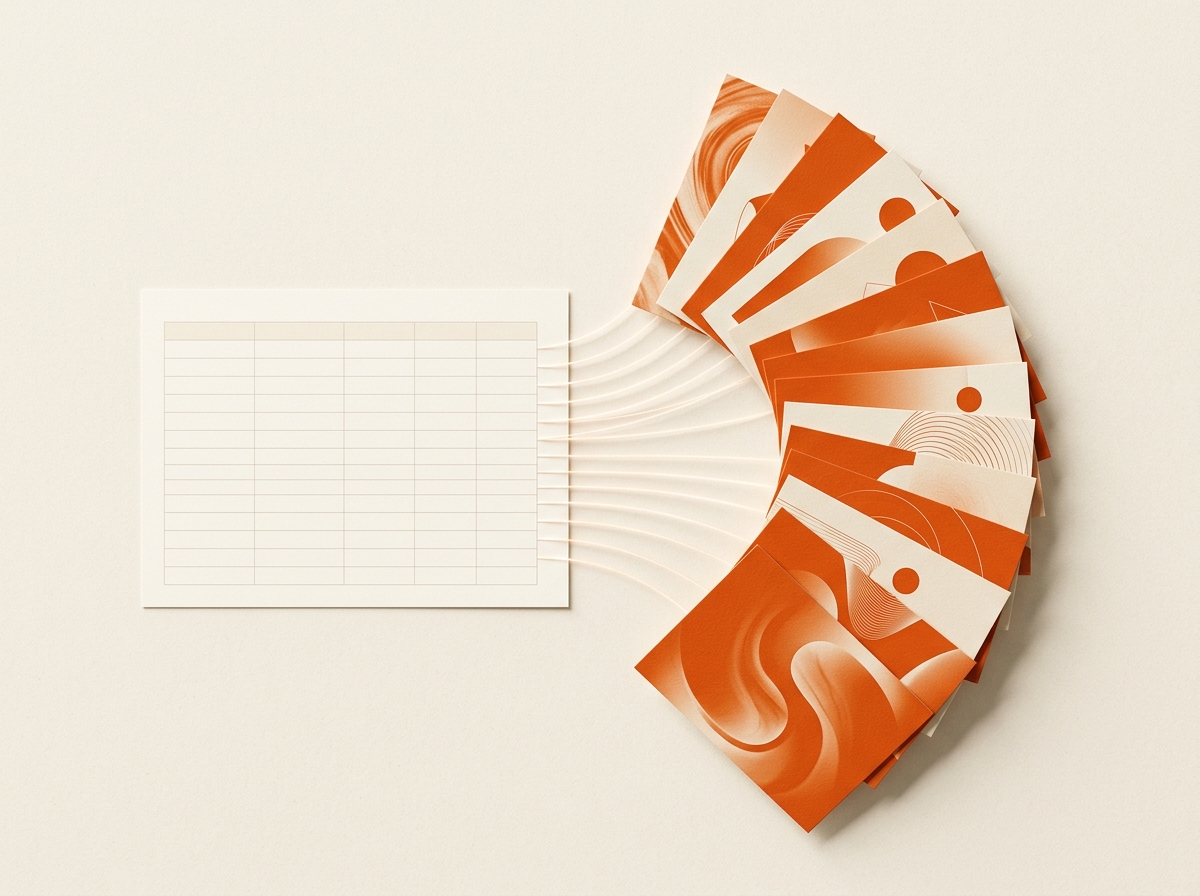
Export title, description, and format columns; generate against Brand DNA; spot-check the set; polish outliers in Canvas before you schedule.
How the week usually runs
- Confirm Brand DNA matches the channel look you publish
- Export the week with title, description, format
- Generate and review the full set before scheduling
- Regenerate or Canvas-edit only the rows that need it
Why it sticks
- 1:1 row-to-visual mapping keeps planning and production aligned
- Format-per-row avoids post-crop surprises
- Glossary and templates document the exact CSV pattern
Is this the right fit?
Choose SnapDraft if you already plan in spreadsheets and need on-brand volume without reopening the design queue for every post.
Next steps: See features · Compare plans · Browse templates · Create an account
Common questions
Other audiences
Ship the week’s posts without waiting on design

Deliver client batches the same day. Stop being the bottleneck.

Keep multi-brand calendars full without adding design headcount
Run parallel brand calendars without lookalike drift
Client sheet in the morning. Export pack by evening.

Close feedback without reopening the design queue
Try it on your next calendar.
Bring brand references and a spreadsheet. See a batch in minutes.