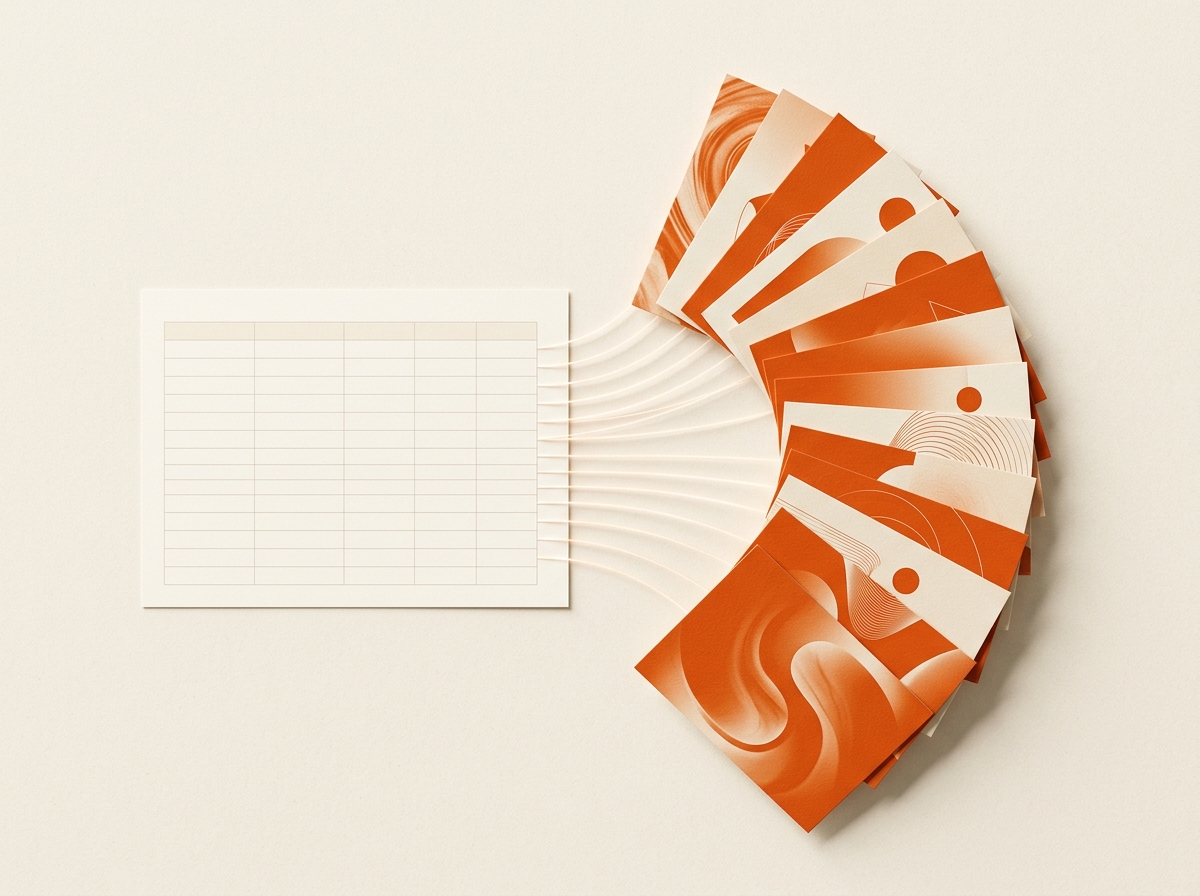
TL;DR: Weekly publishing fails when production is a queue. With SnapDraft it becomes a loop: plan in CSV, generate against Brand DNA, polish in Canvas, export to your scheduler.
Weekly publishing fails when production is a queue. It works when production is a loop you control.
Monday: plan in the sheet
Keep the calendar where it already lives. Require three columns at minimum:
- Title - hook or headline on the visual
- Description - what the image must communicate
- Format - square, portrait, or landscape
That schema is enough for CSV batch generation.
Tuesday: generate against Brand DNA
Upload the sheet to a SnapDraft project with Brand DNA already set. Review the batch as a set. Not as isolated prompts. You are checking coherence first, cleverness second.
Wednesday: regenerate and Canvas
Weak rows get a regenerate with the same inputs, or a focused Canvas pass (swap, erase, expand, upscale). Do not reopen a design ticket for last-mile copy and object tweaks.
Thursday and Friday: export and schedule
Download the pack sized correctly, then drop into Later, native schedulers, or client delivery folders. SnapDraft sits upstream of scheduling. See how that differs from Later alternatives.
Who this loop serves
- Social media managers closing the designer wait
- Freelancers delivering same-day batches
- Agencies keeping multi-brand calendars full
Start with next week's real calendar. Not a demo dataset.
Cluster hubs: use-cases/social-media-managers · templates/csv-weekly-calendar · glossary/content-calendar-to-visuals
Keep building the workflow: Features · Use cases · Templates · Alternatives · Pricing