TL;DR: Most client feedback is last-mile. SnapDraft Canvas handles swap, erase, expand, and upscale so you close revisions without another design ticket.
Client feedback rarely demands a full redesign. It demands a fast, controlled edit on an almost-right asset.
What Canvas is for
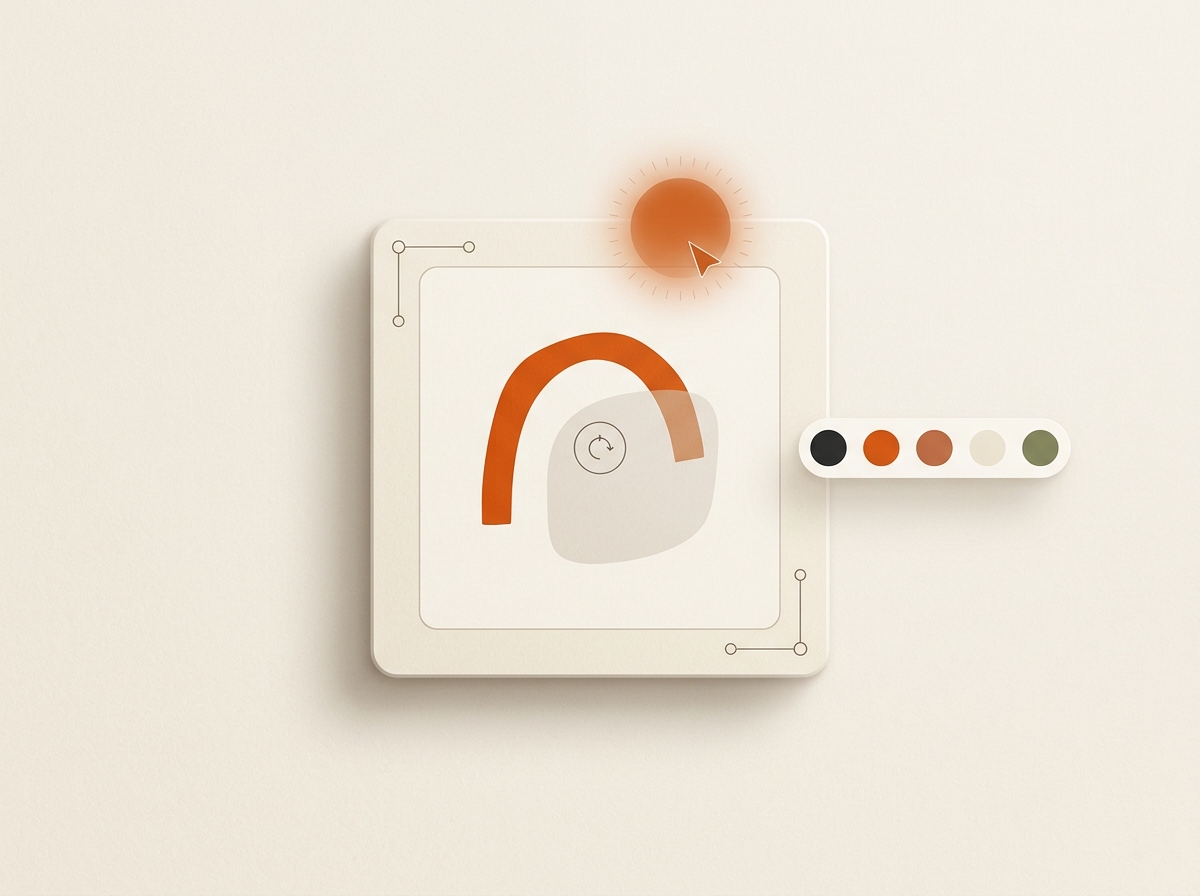
SnapDraft's Canvas Editor is built for the edits that usually reopen tickets:
- Replace or fix headline text
- Swap an object with AI assistance
- Erase distractions
- Expand framing
- Remove backgrounds and upscale
It is not a replacement for brand strategy or net-new campaign concepts.
A simple feedback protocol
- Collect notes against specific rows. Not vague "make it pop."
- Open only those rows in Canvas.
- Export the polished set with the rest of the batch.
Freelancers especially benefit. See SnapDraft for freelancers.
Keep designers for the work that needs them
When feedback is "new concept" or "new art direction," that belongs to a designer or a fresh brief. Not another Canvas pass. AI production should shrink queues, not erase craft. That is the same argument as AI won't replace your designer.
Ship the loop
Generate, review, Canvas, export. Link that to your weekly content ops loop and you stop treating every comment as a project restart.
Cluster hubs: use-cases/last-mile-revisions · glossary/canvas-editor · templates/canvas-last-mile
Keep building the workflow: Features · Use cases · Templates · Alternatives · Pricing