Canvas last-mile polish
Close client feedback without reopening the design queue.
Canvas Revisions Freelancers
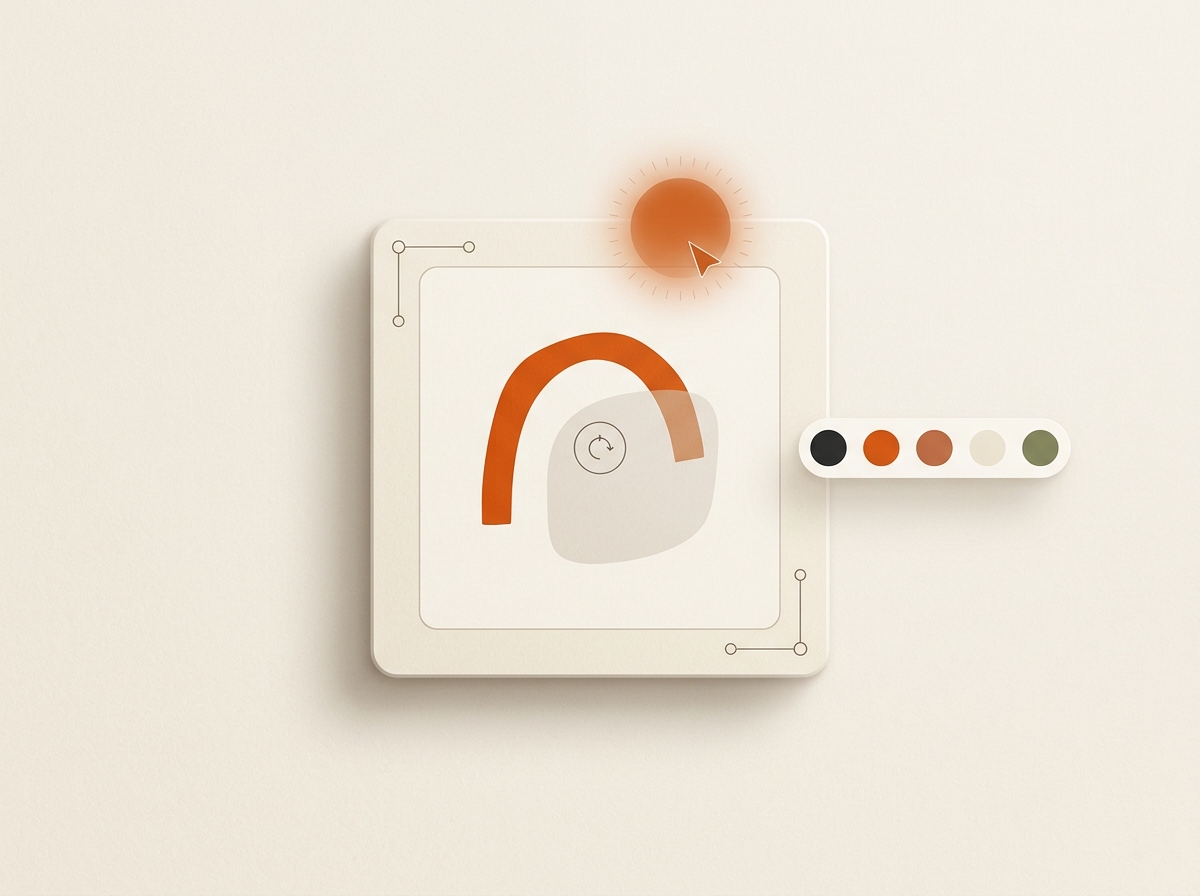
Canvas last-mile polish
Use Canvas after generation to swap objects, fix headlines, erase, expand, and upscale before delivery or scheduling.
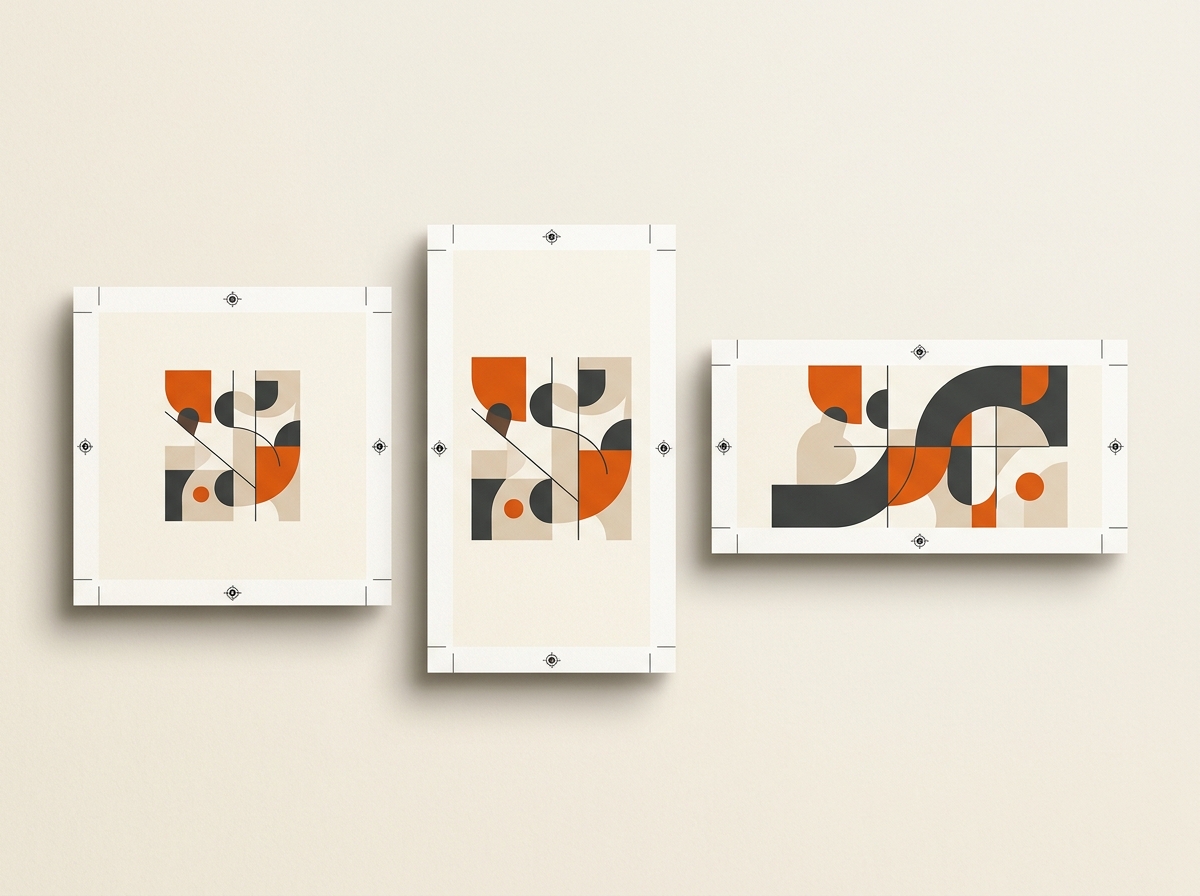
Formats
- Square
- Portrait
- Landscape
Related: Freelancers · Canvas glossary
More templates
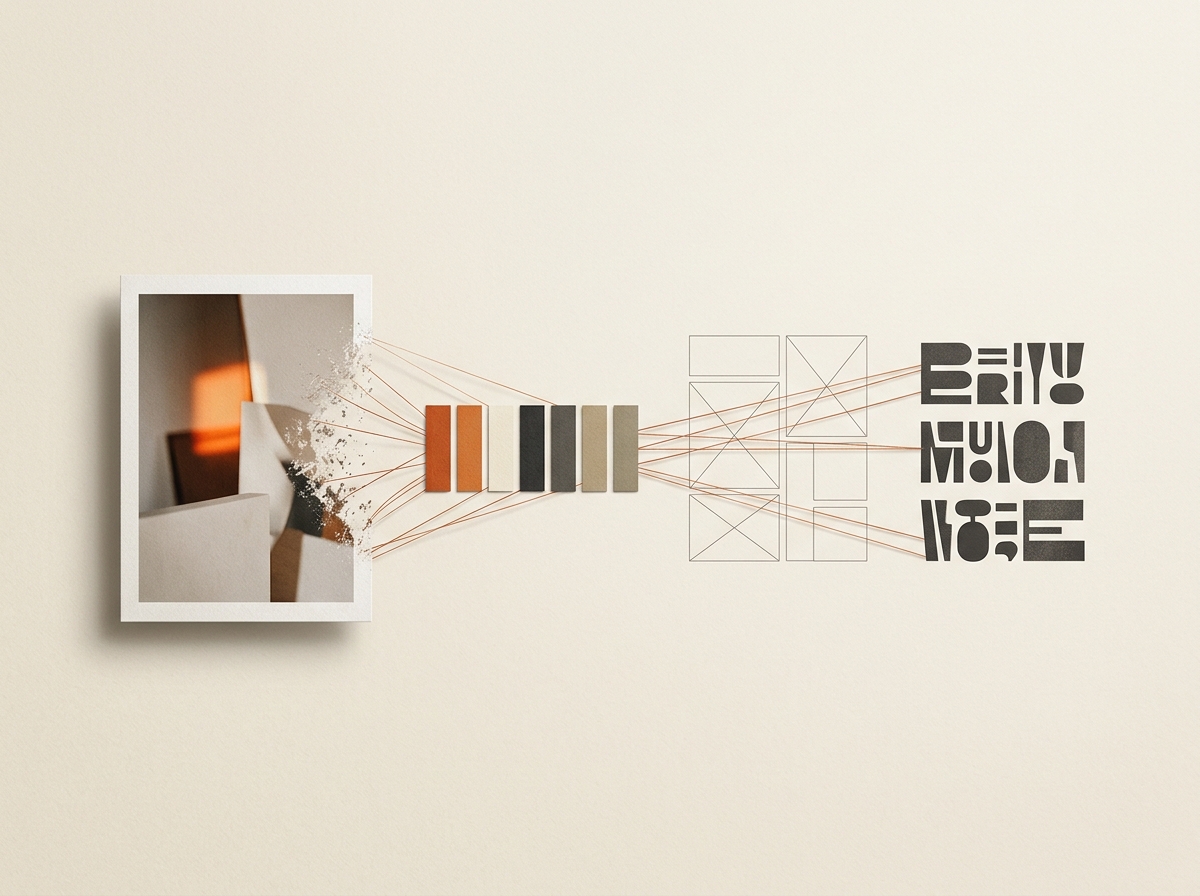
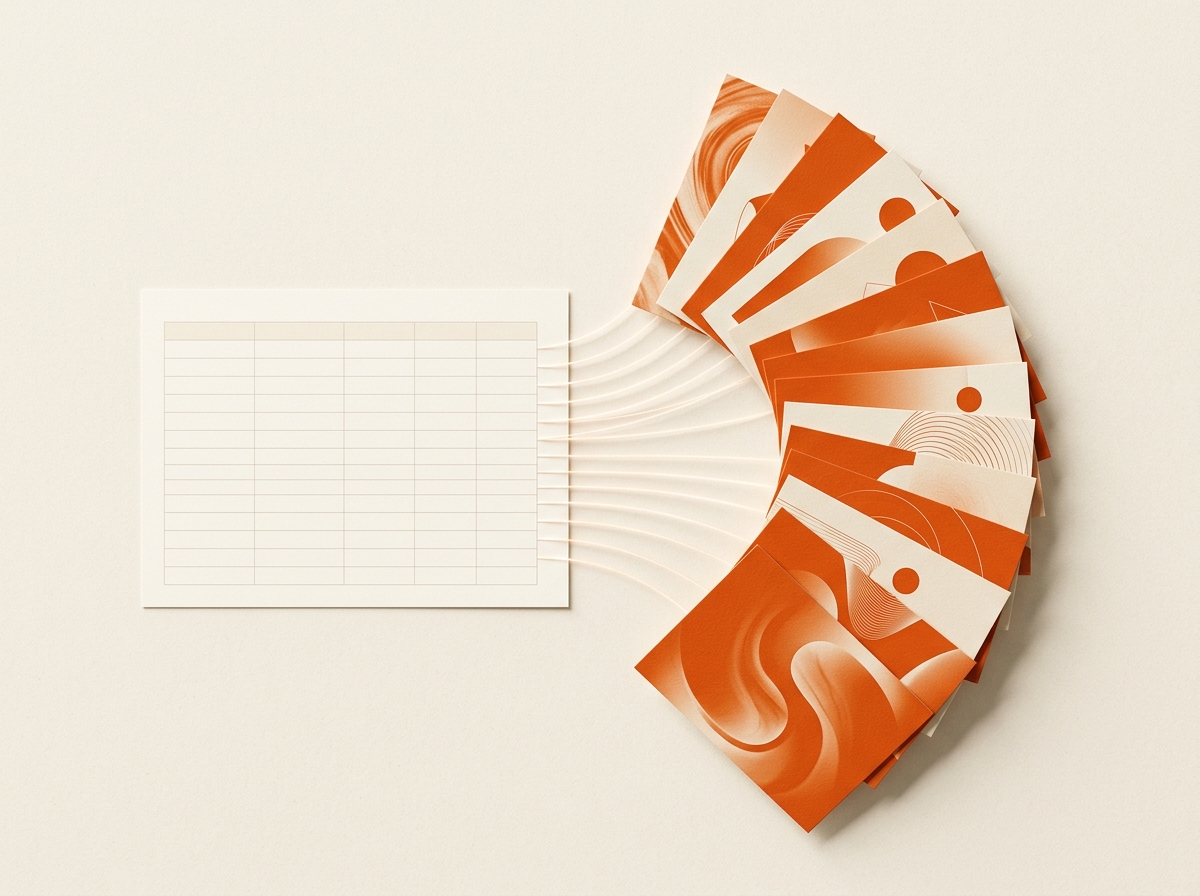
Run this on your next calendar.
Bring brand references and a spreadsheet. Follow the steps above.