Close feedback without reopening the design queue
Job page for operators who need swap, erase, expand, and upscale tools after a batch, so routine feedback does not become another ticket.
The bottleneck
Batches are mostly right, but one logo swap or headline fix reopens a designer ticket and burns half a day.
What changes with SnapDraft
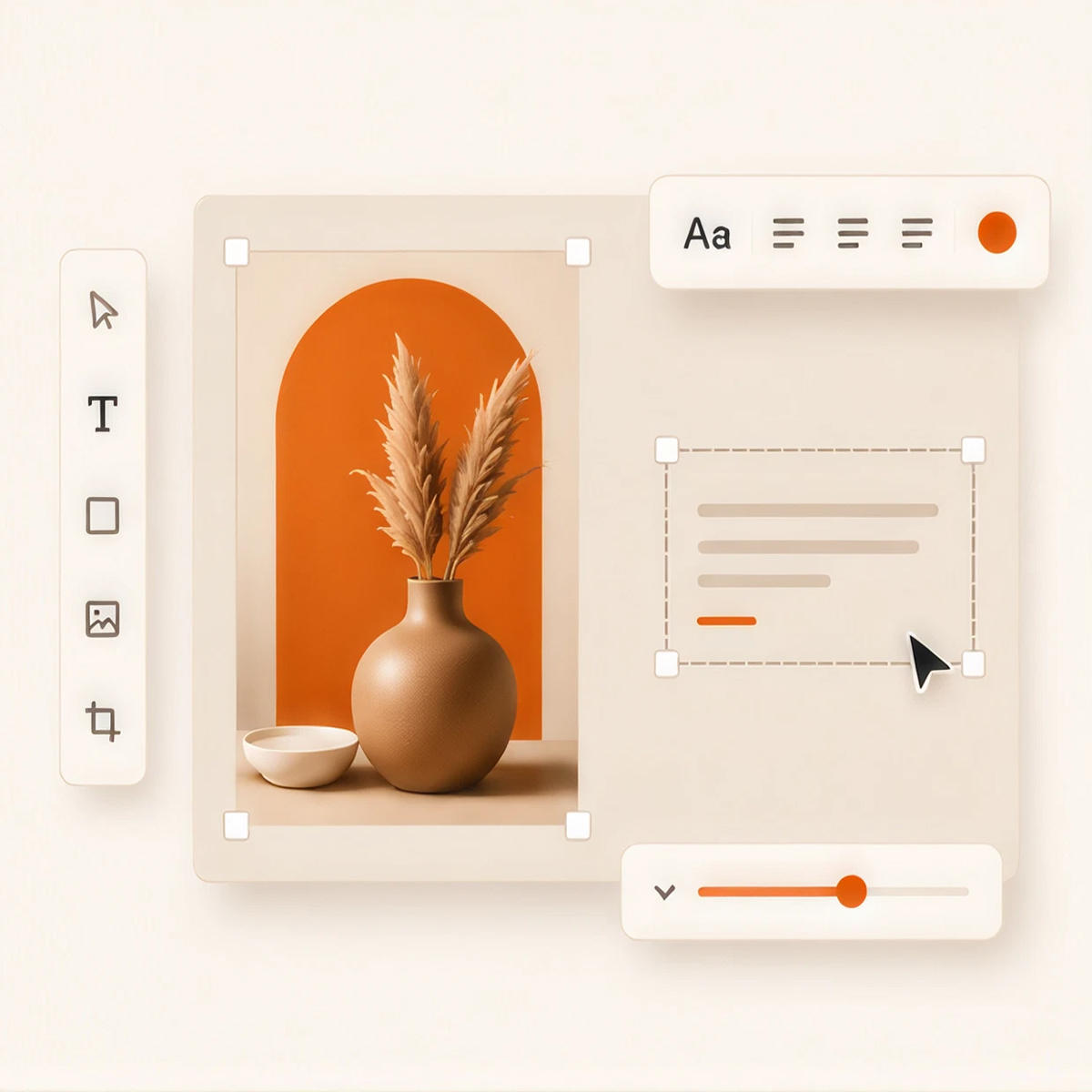
Generate the set first, then use Canvas on purpose for last-mile feedback while true creative work stays with design.
How the week usually runs
- Generate the calendar batch against Brand DNA
- Collect client or stakeholder notes on specific rows
- Open those rows in Canvas for targeted edits
- Re-export only what changed
Why it sticks
- Canvas is scoped to last-mile ops, not full redesign
- Row-level work avoids regenerating the whole week
- Escalation stays intentional for craft-heavy asks
Is this the right fit?
Choose SnapDraft if you already plan in spreadsheets and need on-brand volume without reopening the design queue for every post.
Next steps: See features · Compare plans · Browse templates · Create an account
Common questions
Other audiences
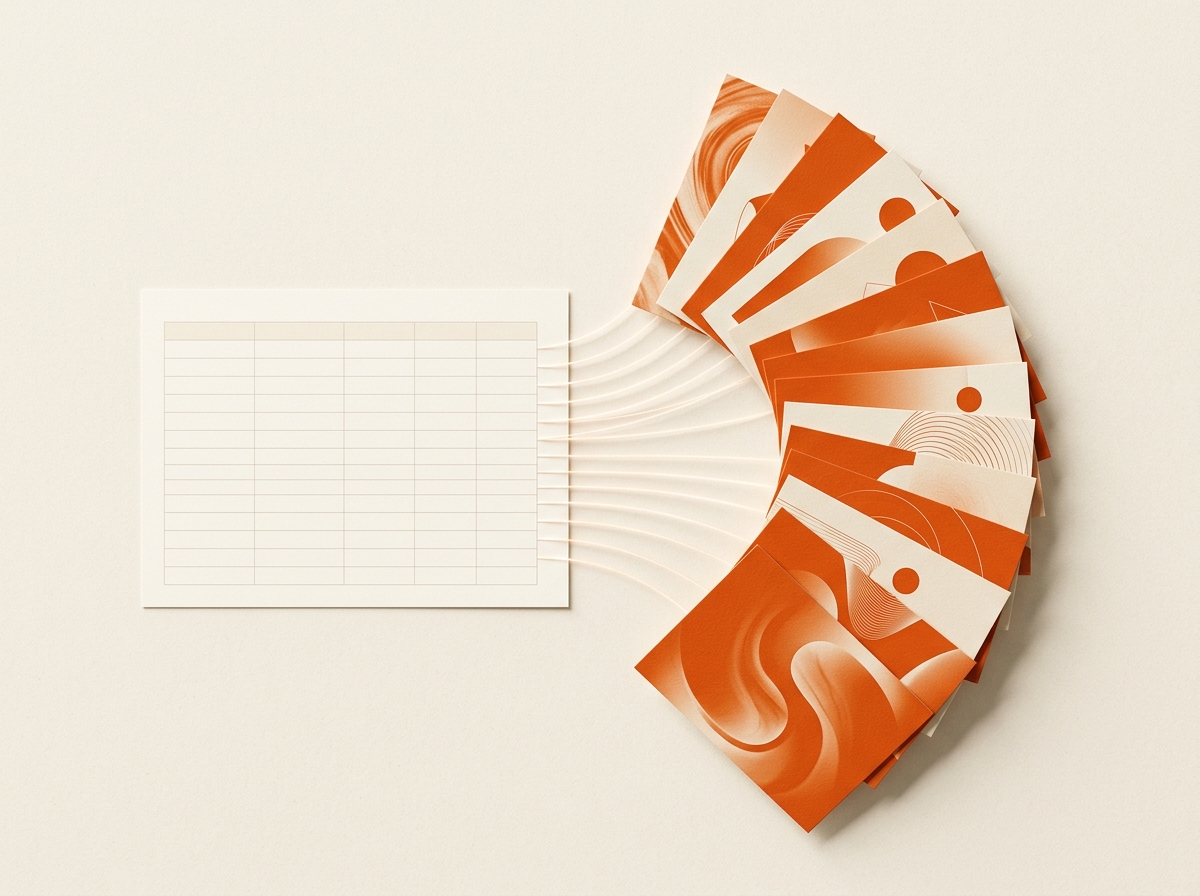
Ship the week’s posts without waiting on design
Deliver client batches the same day. Stop being the bottleneck.
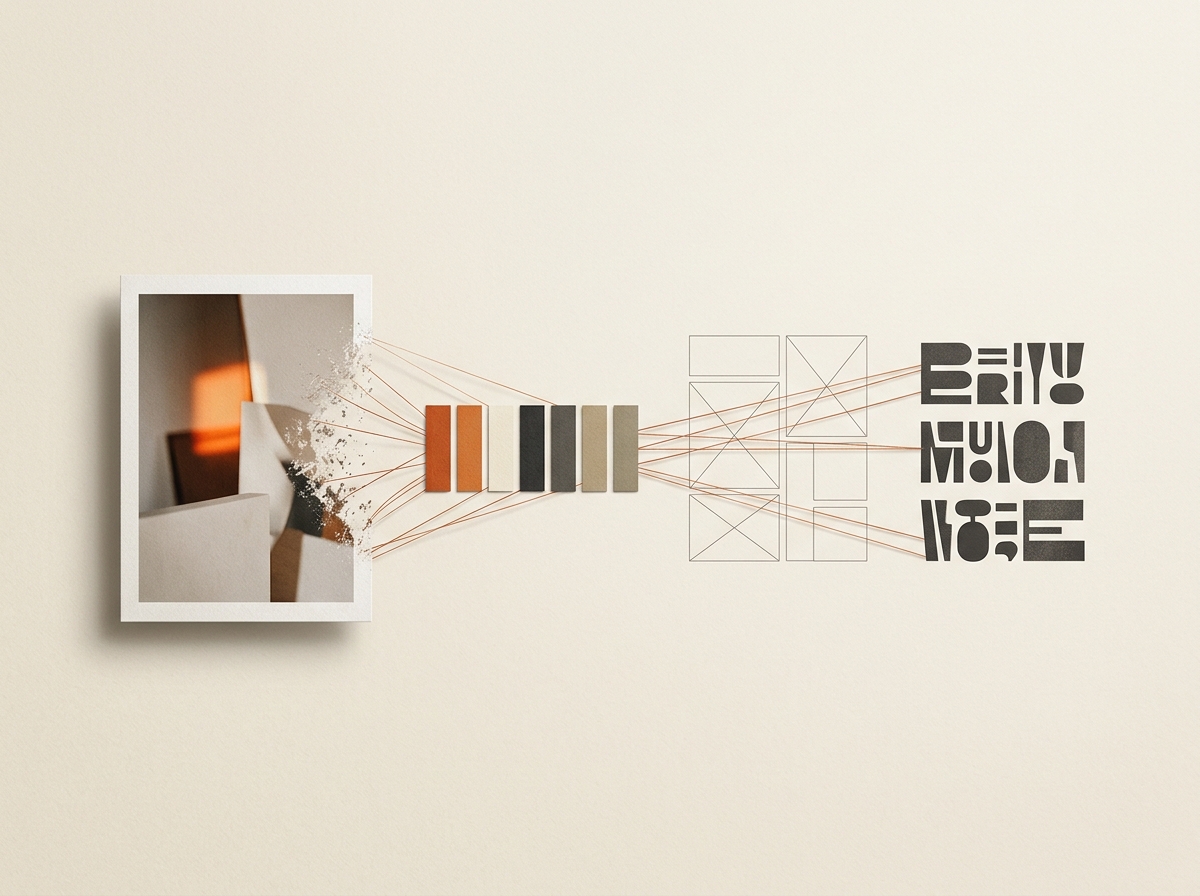
Keep multi-brand calendars full without adding design headcount
Turn the week’s spreadsheet into a reviewable visual set
Run parallel brand calendars without lookalike drift
Client sheet in the morning. Export pack by evening.
Try it on your next calendar.
Bring brand references and a spreadsheet. See a batch in minutes.